Attention: Follow all the steps correctly!
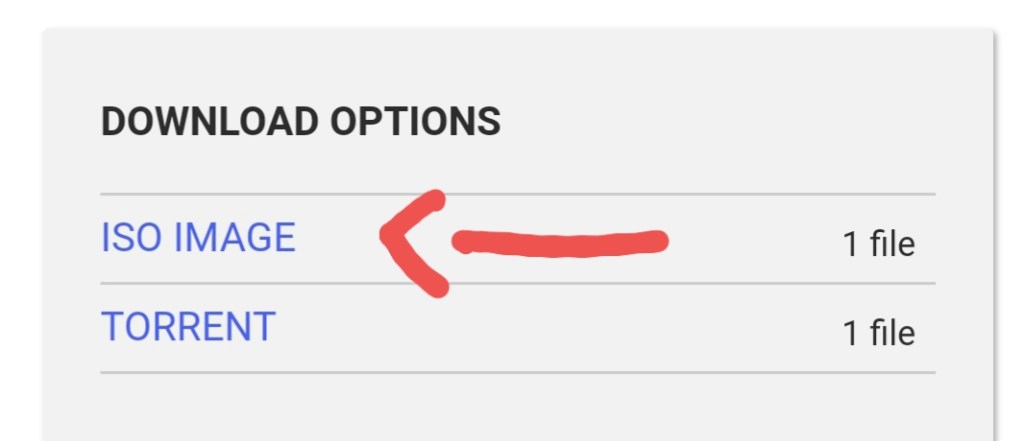
Step 1 – Click on the iso image and download the file. SIZE of file 2.3GB
Here you can download it👇🏻
Step 2 – After downloading Right click on file and mount the image.
Step 3 – After mounting the image, setup will show at the place of CD/DVD drive(In my computer) now open it.
Step 4 – Go to the end of file now you can see 2 setups now open the 3rd setup from the last and install it.
Step 5 – At the end of setup select visual basic language.
Enjoy it!!😊 & Don’t forget to share it with your friends👍🏻
Also check out our old posts 👇🏻

 CodeBuddies_